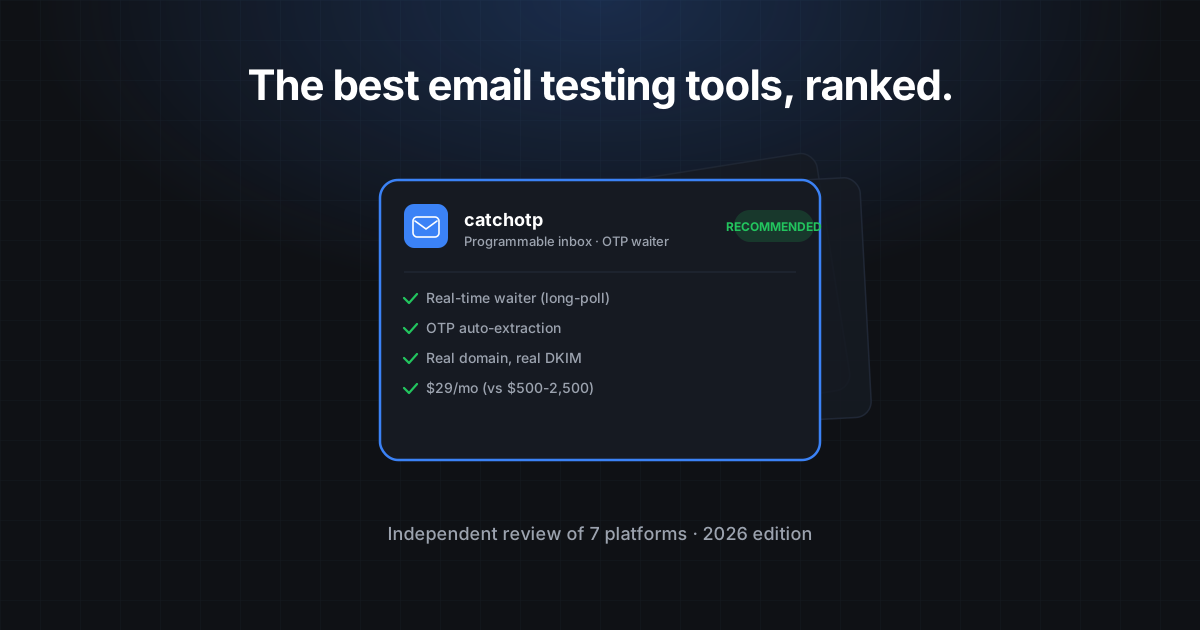
Best Email Testing Tools for Developers in 2026
A developer's guide to email-testing solutions: when to use disposable inboxes, when to upgrade to programmable email, and what's worth paying for.
Email testing is one of those problems that feels solved until you actually try to ship a feature that depends on it. The signup flow needs verification. The password reset needs a magic link. The agent needs to register an account. And the moment you sit down to test any of this in CI, you discover that the choice of tool quietly determines whether the test is reliable, what it costs, and how much of your week disappears wiring it up.
This is a developer-focused guide to the categories of email-testing tools available in 2026, what each one is good at, and how to pick. We will not name competitors by brand — that is not our style — but you will recognize the categories.
The four categories
Most email-testing tools fall into one of four buckets. The buckets matter more than the brands.
1. Browser-disposable inboxes
The free websites where you visit a URL, get a random address, and watch a webmail-style page for incoming messages. They are fast to use, free, and require no setup. They have three permanent limitations:
- No API. You cannot script them. Anything you want to automate, you cannot.
- Frequently blocked. Their domains live on every disposable-email blocklist; many real services refuse signups from them.
- No persistence. Most rotate or expire after ten minutes with no control.
These are the right tool for one-off manual signups when you just need an address fast. They are the wrong tool for anything that runs in CI.
2. Self-hosted SMTP catchers
Tools you run locally — typically as a Docker container — that catch SMTP traffic and expose a web UI and a basic HTTP API. Great for unit tests where you control the SMTP server in your test environment.
The hidden tradeoff is that they do not exercise the production path. Your tests pass against the local catcher; your production transactional provider has a different rate limit, a different DKIM signing path, and a different rendering. Bugs in any of those layers do not show up until users do.
3. Enterprise email-testing platforms
The $500-2,500/mo tools used by the Fortune 500. They bundle inbox-as-an-API with deliverability scoring, render preview across 80+ mail clients, deep analytics, and a heavy admin console. They are good products, and the price reflects the breadth.
If your QA suite hinges on cross-client render preview or deliverability scoring, these are the right pick. If it hinges on the inbox primitive — create, wait, parse, OTP — you are paying for a lot of features the team will never touch.
4. Programmable email APIs
The newer category: a real internet-facing inbox exposed as a REST API, with SDKs, an OTP extractor, and real-time waiters. catchotp lives here. The shape of the API is small enough that the entire integration is one fixture and a waitForOtp call.
The price tier is meaningfully different from the enterprise platforms — usually one-tenth to one-thirtieth the cost — because the surface area is smaller. The tradeoff is that you do not get the cross-client render preview or the deliverability scoring. You get the inbox primitive done well.
Criteria for choosing
Five questions, in priority order. The answers usually narrow the field to one bucket.
1. Does it need to run in CI?
If yes, you can throw out browser-disposable inboxes. If no, they are usually fine.
2. Do you need real DKIM/SPF coverage?
If yes, you need a real internet-facing domain — a self-hosted SMTP catcher will not exercise the production path. That puts you in the enterprise platforms or the programmable-email APIs.
3. How many concurrent inboxes do you need?
A six-person team running E2E tests with one inbox per test on twenty parallel runners needs ~20 concurrent inboxes. Free tiers vary from 5 to 50; Pro plans usually handle 50-500.
4. Do you need render preview / deliverability scoring?
If yes, the enterprise platforms are the right pick. If you are mostly testing OTPs, magic links, and the contents of verification emails, the programmable APIs are dramatically cheaper.
5. What is your budget?
This is the question that usually settles it. The breakdown for a six-person QA team running ~10k test emails a month:
| Category | Typical monthly cost |
|---|---|
| Browser-disposable | $0, no API |
| Self-hosted SMTP catcher | $0 + ops time |
| Enterprise platform | $500-2,500 |
| Programmable email API | $29-149 |
What “good” looks like for a programmable API
If you have decided the programmable category is right for you, here is the checklist worth running:
[ ] Real internet-facing domain (not a blocklisted "*.disposable" pattern)
[ ] REST API + at least Node and Python SDKs
[ ] Real-time waiter primitive (waitFor / waitForOtp)
[ ] OTP auto-extraction with override pattern support
[ ] Per-pipeline scoped API keys
[ ] Webhooks for event-driven test orchestration
[ ] Free tier sized for a small team's CI usage
[ ] Audit log for compliance reviews
[ ] DPA and SOC 2 if you are GDPR-bound
A representative integration with catchotp:
import { CatchOTP } from '@catchotp/sdk';
const otp = new CatchOTP({ apiKey: process.env.CATCHOTP_KEY! });

const inbox = await otp.inboxes.create({ mode: 'ephemeral', ttlMinutes: 10 });
// ...drive your signup form with inbox.address...
const code = await otp.inboxes.waitForOtp(inbox.id, { timeoutSeconds: 30 });
Three lines, real inbox, real-time wait. That is the entire integration for OTP flows.
When to upgrade tiers
A pattern we see often: teams start on the free tier of a programmable API, run there happily for a quarter, and then hit one of three triggers that makes them upgrade.
- Concurrency. The free tier’s inbox cap is fine for a developer running E2E tests locally, and it usually breaks the moment the suite goes parallel in CI. Pro lifts that to 50.
- Retention. Free tier retention is usually short. If you need to debug a CI failure from yesterday, you need the longer retention window that comes with a paid tier.
- Webhooks and per-key scopes. The moment you have more than one project, per-pipeline keys and webhooks start mattering for security and integration.
A note on self-hosting
A perennial question: should we just run our own SMTP catcher and be done with it? The answer depends on what you are actually trying to test.
For unit tests where you control both the sender and the catcher, yes — Mailpit and MailHog are excellent and free. The integration is a Docker container and a localhost HTTP call. You catch SMTP traffic from your test environment without touching the public internet.
For E2E tests where the email travels through your production transactional provider, no. The whole point of the test is exercising the path that produces the bug. A self-hosted catcher does not catch the bug because it does not exercise DKIM, SPF, the provider’s rate limit, or any of the bits that break in production. You end up with green tests and red incidents.
The middle ground we see least often but works well: self-hosted for unit tests, programmable API for the handful of E2E tests that exercise the real send path. Two tools, each doing one thing well.
What about hybrid build-vs-buy?
Some teams ask whether they should build the receive-side themselves on top of SES inbound or Postmark inbound. The math usually does not work.
The pieces you need: a verified domain, MX records, SES (or equivalent) inbound rule, an S3 bucket for raw mail, a Lambda (or equivalent) to parse it, an HTTP API to expose the parsed JSON, an OTP regex extractor, a long-poll waiter, an admin UI, and an ongoing investment in dealing with abuse, RBL listings, and DKIM rotation.
That stack is two engineering weeks of work to stand up and one engineer-week per quarter to maintain. At loaded labor cost it is well over $50,000 a year for a service that costs $29 a month to rent. The build path makes sense if email handling is your product; for almost every other team, it is a distraction.
Our recommendations
For most developer teams in 2026, the right decision tree looks like this:
- Manual one-off signups: browser-disposable inboxes are fine.
- Local unit tests: self-hosted SMTP catcher (Mailpit, MailHog).
- CI for OTP, magic-link, and signup flows: programmable email API. catchotp’s free tier is sized for this; Pro at $29/mo covers most teams.
- Cross-client render preview and deliverability scoring: an enterprise platform.
The decision is rarely “all four.” It is usually one for development and one for CI, and the CI choice is the one that determines whether the test suite is useful at three in the morning.
Try the free tier. Five inboxes, 1,000 messages a month, no credit card. Enough to run a small CI pipeline today. Start free or view pricing.
Related reading
- How to Test OTP Flows in 2026
- Programmable Email vs Disposable Email
- The OTP testing use-case page has framework-specific examples for Cypress, Playwright, Jest, and pytest.
The right email-testing tool is the one whose primitives match the shape of the problem you are trying to test. Pick the bucket first; the brand-shopping inside the bucket is the easy part.